
Start
Use your own image or open the bundled sample.

Rebuild photos with characters, or overlay type along their light and shadow contours.
Runs locally No upload
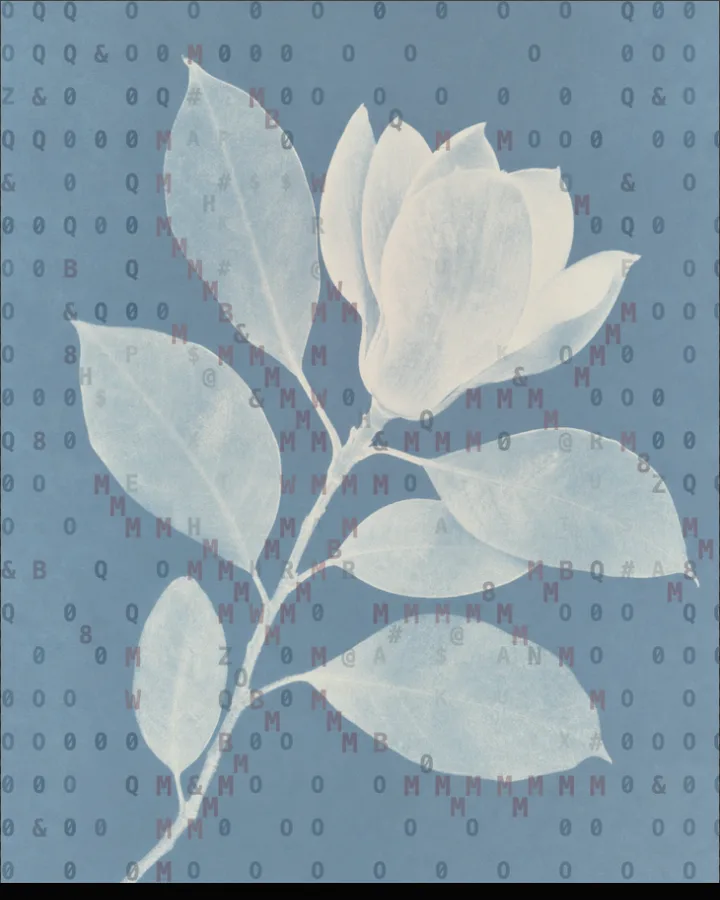
The image to ASCII art generator is a free browser tool that redraws a photo out of text characters, using dense characters for dark areas and light ones for bright areas.
Use your own image or open the bundled sample.
Build the result with Creation Mode, Effect Area, and Character Set, then refine the remaining controls in real time.
Render PNG / JPEG output and download it directly to your device.
In the iPhone app, automatic subject extraction is available.
Get the iPhone appIt works in two modes, set under Creation Mode. Character Reconstruction rebuilds the whole picture from characters. Photo Overlay keeps the photograph and lays a separate layer of type over it. Each mode has its own presets and controls.
In Character Reconstruction, Style picks the look (Magazine Type, Editorial Type, Terminal Characters, Coordinate Characters, Katakana, Facets, Blend, Hatching, Numbers, Symbols or Dot Matrix), and Mapping decides how tone becomes characters: Image reconstruction, Balance, Luminance, Outline, Flow or Dithering. Character Size (6–40px, default 10px), Coverage (12–100%) and Density (0–100%) set how big, how many and how packed the characters are. Color Mapping switches between Monochrome and Source Colors, and Character Set is Classic Characters, Dense Characters or Numeric Characters.
Portraits and objects with a clear outline against a calm background read best, because characters leave little room for fine detail. Contrast (40–180%) and Edges (0–100%) set how strongly tone and outlines are emphasised.
Monochrome Characters, Source Color Characters, Light Characters, Coarse Characters, Clean Overlay, Paper Overlay, Light Overlay and Contour Overlay.
Each patch of the photo is replaced by a character, and the character is chosen by how much ink it covers: dense characters stand in for dark patches and sparse ones for bright patches. Together the characters redraw the picture.
Yes. Choose Photo Overlay under Creation Mode. The photograph stays and a separate layer of characters sits on top; Character Coverage (0–100), Character Opacity (0–100) and Character Distribution (Scattered Grid, Regular Grid or Along Tone Contours) control it.
You choose a Character Set (Classic Characters, Dense Characters or Numeric Characters) and a Style, which includes Katakana, Numbers and Symbols. There is no field for a list of your own characters.
PNG or JPEG at 1400, 2200 or 3200 pixels on the long edge. The photo is processed in the browser and is not uploaded. The output is an image, not a text file.
Use the whole image instead of automatic subject extraction.
Continue with SHADR on iPhone after you create in the browser.
Get the iPhone app