
Start
Use your own image, start blank, or open the bundled sample.

Refract photographs through clear mirror, ceramic, or pearlescent tiles with independent lighting and shadows.
Runs locally No upload
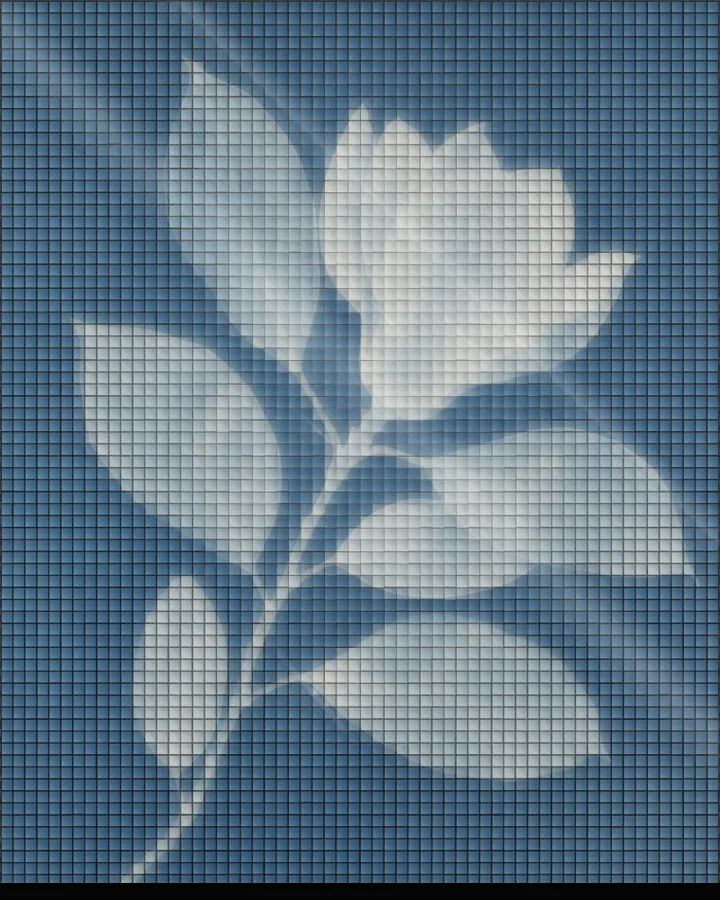
Mirror Mosaic is a free browser tool that shows a photo through a grid of reflective tiles, each one catching the light differently.
Use your own image, start blank, or open the bundled sample.
Build the result with Effect Area, Tile Shape, and Dimensions, then refine the remaining controls in real time.
Render PNG / JPEG output and download it directly to your device.
In the iPhone app, automatic subject extraction is available.
Get the iPhone appThe photo is cut into tiles that behave like pieces of glass: they refract the picture and catch highlights and shadows. Material sets what the tiles are made of (Mirror, Ceramic Glaze or Pearlescent), Tile Shape their shape (Square Tiles, Diamond, Vertical Bars or Hexagon) and Dimensions their size (8–140px). Tile Refraction (0–100) controls how much each tile bends the picture, and Gap (0–8px) and Thickness (0–100%) shape the joints.
The lighting is separate from the tiles: Light Direction (0–360°) sets where the light comes from, and Reflection, Halo and Light Band add reflections, glow and bands of light. Composition places the mosaic in the frame (Light Field, Mirror Pillar, Bevel cut, Frame or Night).
Photos with a clear subject and strong colour hold together when they are broken into tiles; very fine detail is lost at larger tile sizes. In the browser the effect applies to the whole image, since automatic subject detection is an iPhone app feature.
Clear Mirror, Ceramic Glaze, Pearlescent and Fractured Mirror.
It cuts the photo into small reflective tiles, bends the picture through each one and adds highlights and shadows, so the image looks as if it were made of mirror, glazed ceramic or pearlescent pieces.
Choose a Tile Shape (Square Tiles, Diamond, Vertical Bars or Hexagon) and set Dimensions (8–140px, default 52px). Gap (0–8px) controls the space between tiles.
Light Direction (0–360°) sets the direction of the light, and Light Band (0–6) adds bands of light across the mosaic.
PNG or JPEG at 1400, 2200 or 3200 pixels on the long edge. The photo is processed in the browser and is not uploaded.
Use the whole image instead of automatic subject extraction.
Continue with SHADR on iPhone after you create in the browser.
Get the iPhone app