Compose words, photos, cutouts and symbols into expressive typographic layouts, entirely offline.

Turn photographs and blank canvases into glass, print, pixel, type, motion, and graphic experiments.
Compose words, photos, cutouts and symbols into expressive typographic layouts, entirely offline.
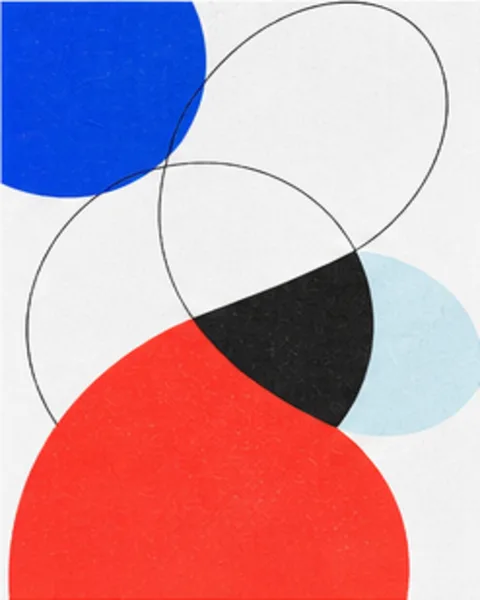
Compose image-driven circles, connections and geometric divisions with clear graphic linework.
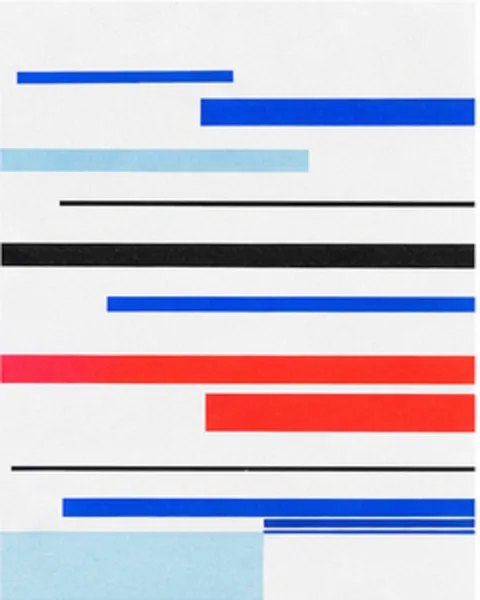
Break selected parts of an image into signal tears, displaced data blocks and scan trails.
Combine type, image treatment, and structured composition without starting from a fixed template.
Create repeatable visual directions for launches, events, music, and cultural work.
Explore geometry, signal distortion, surveillance overlays, and kinetic typography as design material.
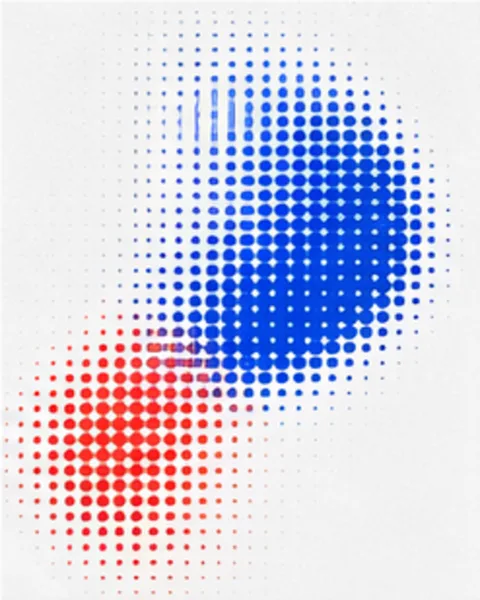
Rebuild photographs with ordered dithering, error diffusion and limited color palettes, with optional looping motion.
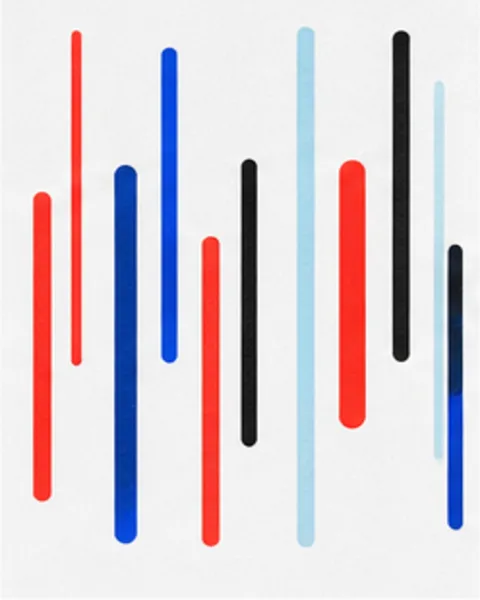
Generate spatial typographic motion from a blank canvas for still and video output.
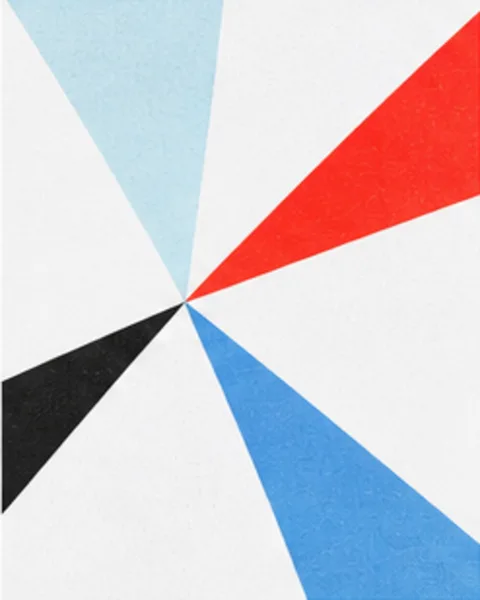
Frame a patch of a photo and fold it into a seamless repeating pattern: mirror or kaleidoscope tiles, with optional color filters, for still or video output.
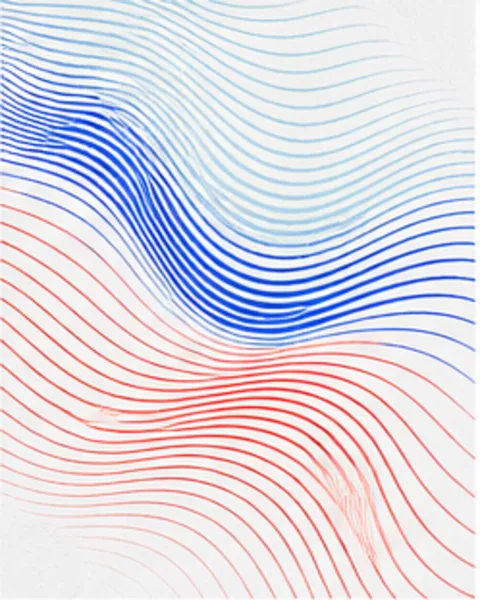
Relight photos with soft window projections and flowing water caustics.
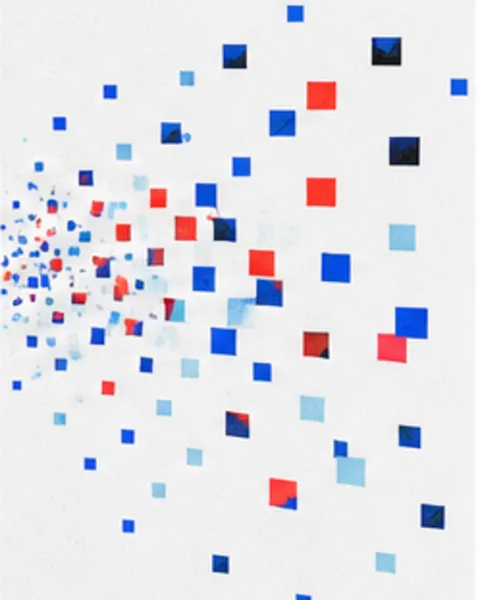
Break the original image into textured fragments with directional scatter, a local burst, or subtle floating motion.
Turn still sources into restrained motion studies for identity, social, and display work.
Build type-led sequences with repetition, depth, drift, and controlled visual rhythm.
Use shaders, symmetry, pixels, and procedural fields to make animation from a blank canvas or image.
Rebuild photos with characters, or overlay type along their light and shadow contours.
Carve photographs into relief prints with bold ink masses, directional gouge marks, and textured paper.
Float pigment drops into stone, combed, feathered, and swirling paper patterns. Tap to drop color and drag to rake the surface.
Refract photographs through clear mirror, ceramic, or pearlescent tiles with independent lighting and shadows.
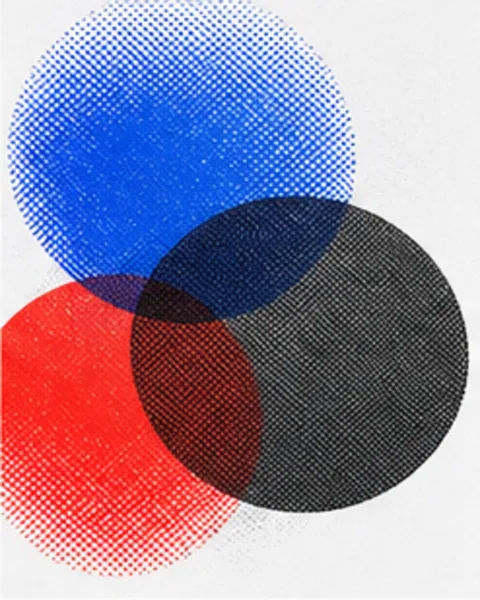
Separate photographs into CMYK ink dots with paper color, black-ink control and subtle print registration.
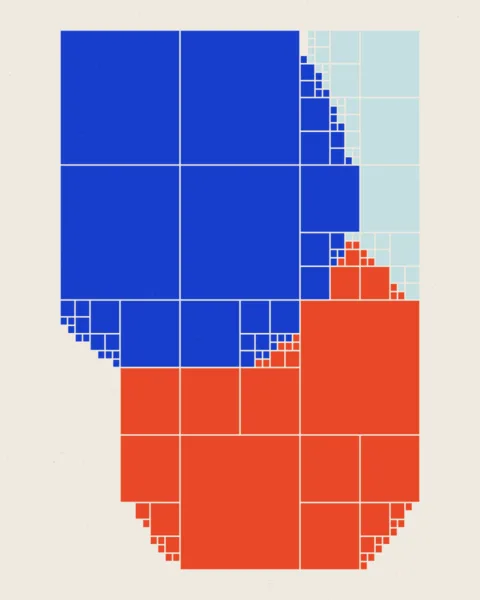
Rebuild photographs into adaptive color blocks while retaining the image structure.
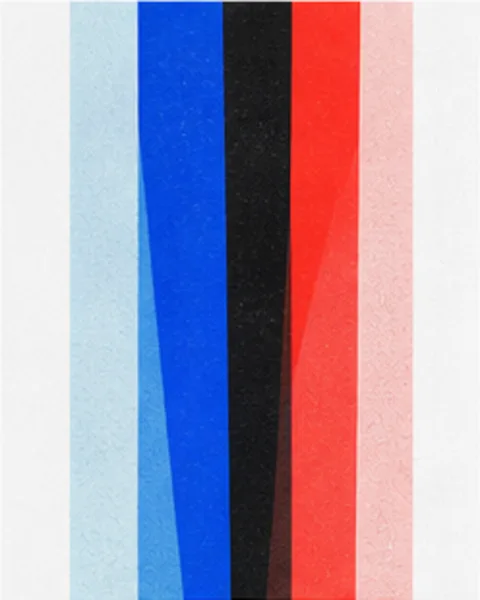
Refract an image through ribbed glass with adjustable optics, grain, highlights, and shadows.
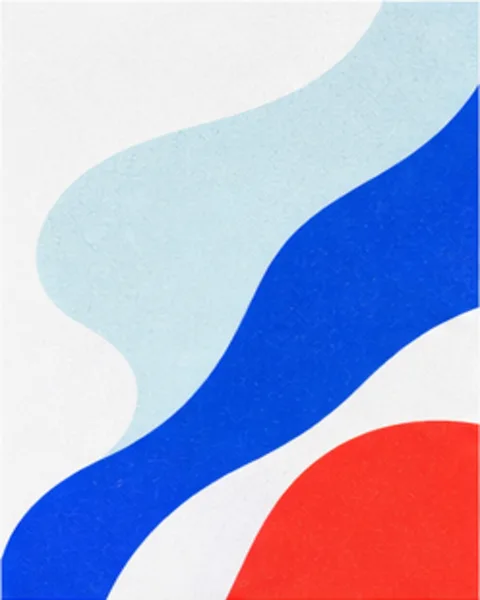
Draw flowing strokes that follow image contours, light and color, with seamless looping motion.
Turn one photograph into a contact sheet of full-frame views, close-ups and details. Reframe individual images by dragging.
Reconstruct photographs as low-poly triangular compositions for posters, covers, and abstract graphics.
Translate continuous-tone photography into halftone, dither, grain, and visible ink structure.
Refract and repeat images through fluted glass, mirrors, mosaic, and kaleidoscopic fields.
Shape pixels, glitches, flow lines, and low-poly planes into reusable graphic surfaces.
Let subjects extend beyond a photo frame while keeping the original photograph perfectly aligned.
Stretch sampled pixels along editable flow curves while optionally protecting the extracted subject.
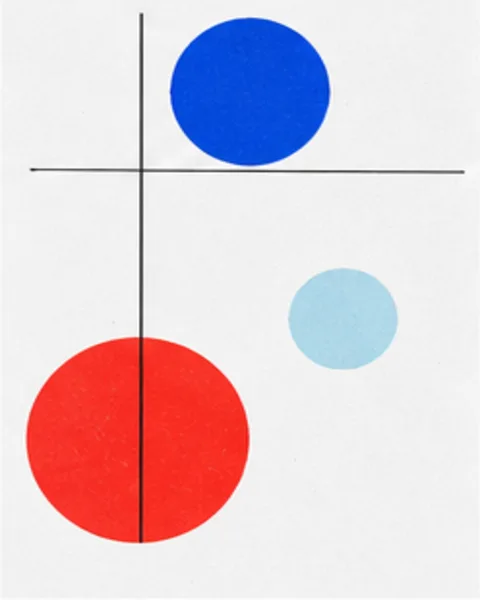
Frame images with machine-vision tracking boxes, CCTV overlays, and forensic annotations.
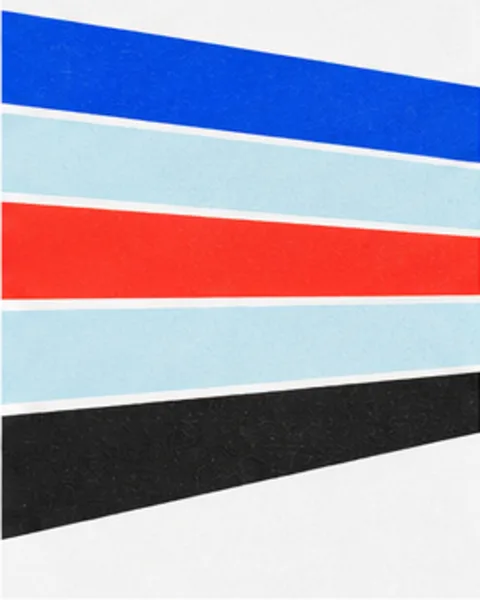
Slice extracted subjects into offset bands, echoes, and graphic poster compositions.
Reframe a person or object against a strong grid while keeping the image locally processed.
Slice or stretch selected image structure into bands, echoes, and extended color fields.
Build expressive covers and social compositions where the subject crosses or breaks the frame.
No. Image processing happens locally in your browser. Your source stays on this device unless you choose to export or share it.
The tools, parameters, presets, and rendering logic are shared between the Web and iOS versions. Where a capability is not available in a browser, the tool page says what the Web version does instead.
Yes. SHADR processes images locally in your browser. Your source stays on this device unless you choose to export or share it.
The Web tools are free to use and include the available still-image export formats.
Yes. Each tool exposes the still-image export formats supported by the browser version.