
Start
Use your own image or open the bundled sample.

Break the original image into textured fragments with directional scatter, a local burst, or subtle floating motion.
Runs locally No upload
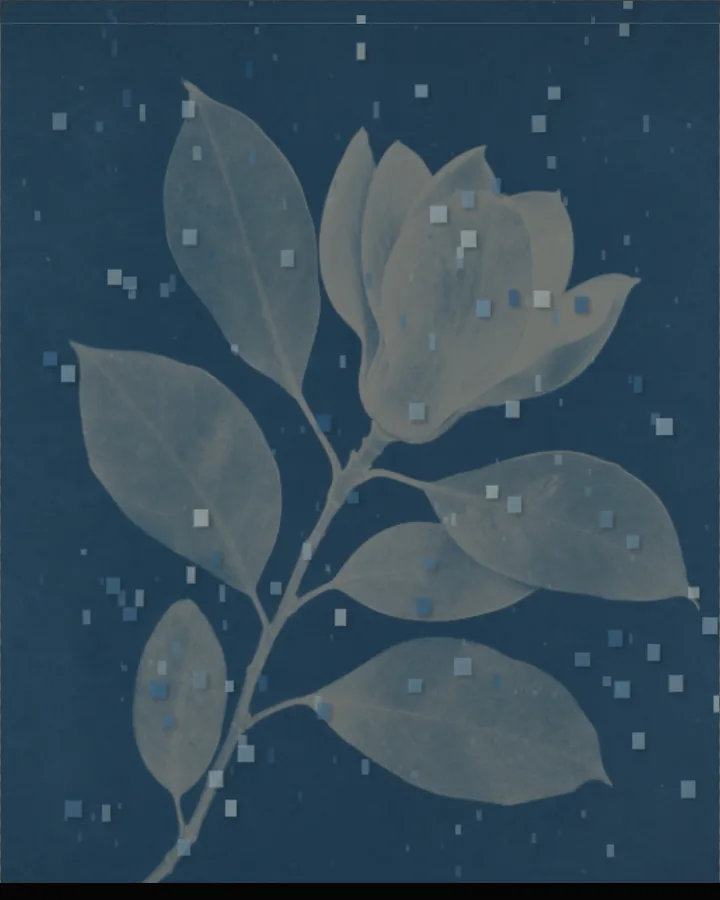
Pixel Scatter is a free browser tool that breaks a photo into textured fragments and scatters them: in one direction, outward from a point, or as a slow float.
Use your own image or open the bundled sample.
Build the result with Background color, Scatter Mode, and Scatter Strength, then refine the remaining controls in real time.
Render PNG / JPEG / Video output and download it directly to your device.
In the iPhone app, Live Photo export is available.
Get the iPhone appThe picture is split into blocks that drift away from where they started. Scatter Mode chooses the behaviour (Directional Scatter, Local Burst or Gentle Float). Scatter Strength (0–100%, default 42%) sets how far the blocks move and Affected Area (0–100%) how much of the picture is affected. Scatter Direction (0–360°) sets the angle, and Center X and Center Y (0–100%) place the centre.
Block Size (1–12) and Block Density (0–100%) set the size and the density of the blocks. For motion, Motion Drift (0–100%) sets the drift and Cycles per Loop (1, 2 or 3) the number of cycles in a loop; in the browser the motion exports as video, and in the iPhone app as a Live Photo.
Photos with a clear subject against a calmer background make it easy to see what has scattered.
Directional Scatter, Local Burst and Gentle Float.
It cuts the image into small blocks and moves them away from their places, so the photo seems to dissolve into fragments. How far, in which direction and from where is up to you.
Choose Directional Scatter under Scatter Mode and set Scatter Direction (0–360°). Scatter Strength (0–100%) sets how far the blocks travel.
Choose Local Burst and place the centre with Center X and Center Y (0–100%). Affected Area (0–100%) sets how wide the burst reaches.
PNG or JPEG at 1600, 2200 or 3200 pixels on the long edge, or video when you animate it; Live Photo export needs the iPhone app. The photo is processed in the browser and is not uploaded.
Export motion as video instead of Live Photo.
Continue with SHADR on iPhone after you create in the browser.
Get the iPhone app