Start
Start from a blank canvas and shape the first direction.

Generate spatial typographic motion from a blank canvas for still and video output.
Runs locally No upload
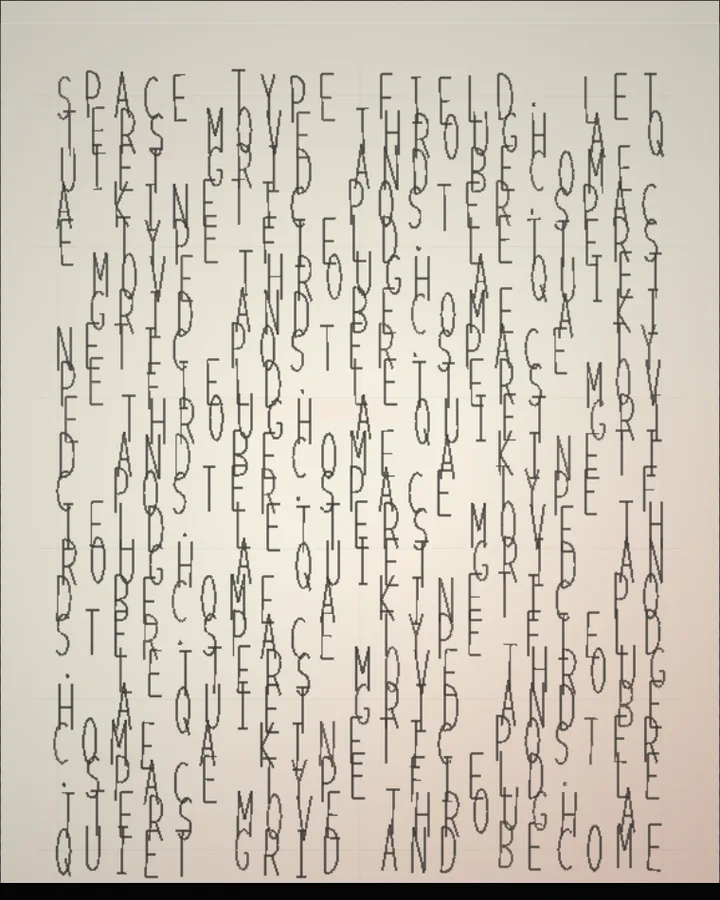
Kinetic Typography is a free browser tool that builds a moving field of letters on a blank canvas, for stills and video.
Start from a blank canvas and shape the first direction.
Build the result with Text, Template, and Layout, then refine the remaining controls in real time.
Render PNG / JPEG / Video output and download it directly to your device.
In the iPhone app, Live Photo export is available.
Get the iPhone appKinetic typography is text that moves, so that the movement is part of the meaning. This tool fills the canvas with your words and sets them in a field. You type the words in Text, Template offers starting texts (Custom, Field Text, Brand word, Verses or Signal) and Layout chooses how the words fill the field (Repeat, Word Field or Continuous). Columns (6–44) and Rows (8–56) set the grid, and Style (Wireframe, Solid, Duotone or Trails) and Type (Condensed, Sans Serif, Monospace or Serif) set how the letters are drawn.
Field sets the shape of the field (Wave Field, Ribbon, Vortex or Terrain), with Undulation, Depth and Stretch (0–100%). Pitch, Yaw, Rotate, Zoom and Perspective turn and frame it in space. Turn on Dynamic to animate it; the motion exports as video in the browser, and as a Live Photo in the iPhone app.
This tool does not use a photo: you start from the text. A short phrase repeated across the field is a good place to start.
Paper Type Field, Black background deep field, Red Line Poster, Perspective Wall and Vortex surface.
Kinetic typography is animated text in which the motion carries the message: letters that move, bend or travel with the words. It is used in title sequences, music videos and posters.
Type in Text, or pick a starting text under Template (Custom, Field Text, Brand word, Verses or Signal). Letters switches between Uppercase, Original text and Lowercase.
Pitch and Yaw (-65 to 65°) tilt it, Rotate (-30 to 30°) rotates it and Perspective (20–100%) sets how strong the depth looks.
PNG or JPEG at 1600, 2200 or 3200 pixels on the long edge, or video with Dynamic on; Live Photo export needs the iPhone app.
Export motion as video instead of Live Photo.
Continue with SHADR on iPhone after you create in the browser.
Get the iPhone app