
Start
Use your own image, start blank, or open the bundled sample.

Rebuild photographs with ordered dithering, error diffusion and limited color palettes, with optional looping motion.
Runs locally No upload
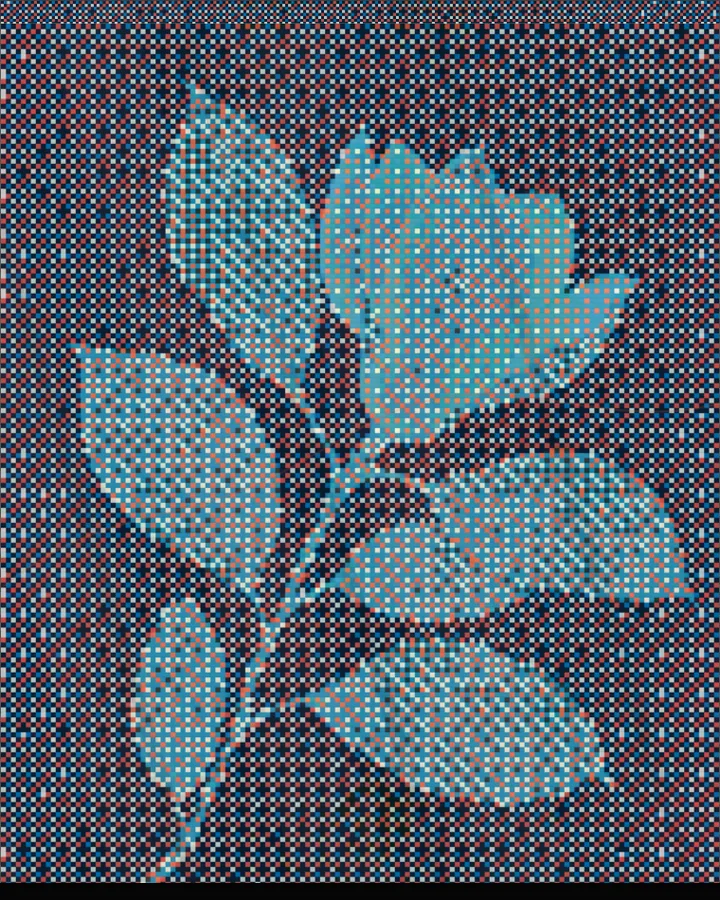
The dithering effect is a free browser tool that redraws a photo using only a few colours, placing dots in patterns so that, from a distance, they still read as shading.
Use your own image, start blank, or open the bundled sample.
Build the result with Effect Area, Treatment, and Texture, then refine the remaining controls in real time.
Render PNG / JPEG / Video output and download it directly to your device.
In the iPhone app, automatic subject extraction is available and Live Photo export is available.
Get the iPhone appDithering is what lets a screen or printer with very few colours show a picture with smooth tones. This tool offers 7 patterns under Texture: Ordered Matrix, Fine Matrix, Error Diffusion, Atkinson, Halftone, Slashes or Noise. Ordered patterns compare each pixel with a repeating grid of thresholds, which gives a regular, graphic texture; error diffusion passes each pixel's rounding error on to its neighbours, which gives an irregular, softer one. Atkinson is also an error-diffusion pattern, from early Macintosh graphics, and it keeps highlights cleaner and the whole image more contrasty than Error Diffusion.
Pixel Size (2–20px, default 4px), Luminance (0–100%) and Effect Amount (20–100%) shape the pattern. Palette sets the colours: Black and White, Handheld Colors, Amber Colors, Print Colors, Original Color or RGB Palette. Turn on Motion to make the pattern drift (Flow: Move right, Shift left, Move up, Move down or Flicker; Rhythm 1–9).
High-contrast photos with a clear subject keep their shape when the palette is small. Contrast (40–200%) and Pixel Size decide how much of the photo's detail survives.
Mono Matrix, Fine Diffusion, Retro Pixels, Handheld Colors, Amber Colors and Color Dither.
Ordered dithering compares each pixel with a repeating threshold pattern, so the texture is regular. Error diffusion passes each pixel's rounding error to the pixels next to it, so the texture is irregular and smoother. Pick Ordered Matrix or Fine Matrix for the first, Error Diffusion or Atkinson for the second.
Use the Handheld Colors or Amber Colors palette, or start from the presets of the same names. Row Scan and Screen Glow (0–100%) add the display's scan lines and glow.
Yes. Turn on Motion, then export video in the browser; Live Photo export needs the iPhone app. Flow sets the direction and Rhythm the speed.
PNG or JPEG at 1400, 2200 or 3200 pixels on the long edge, or video when Motion is on. Your photo is processed in the browser and is not uploaded.
Use the whole image instead of automatic subject extraction. Export motion as video instead of Live Photo.
Continue with SHADR on iPhone after you create in the browser.
Get the iPhone app