
Start
Use your own image or open the bundled sample.

Relight photos with soft window projections and flowing water caustics.
Runs locally No upload
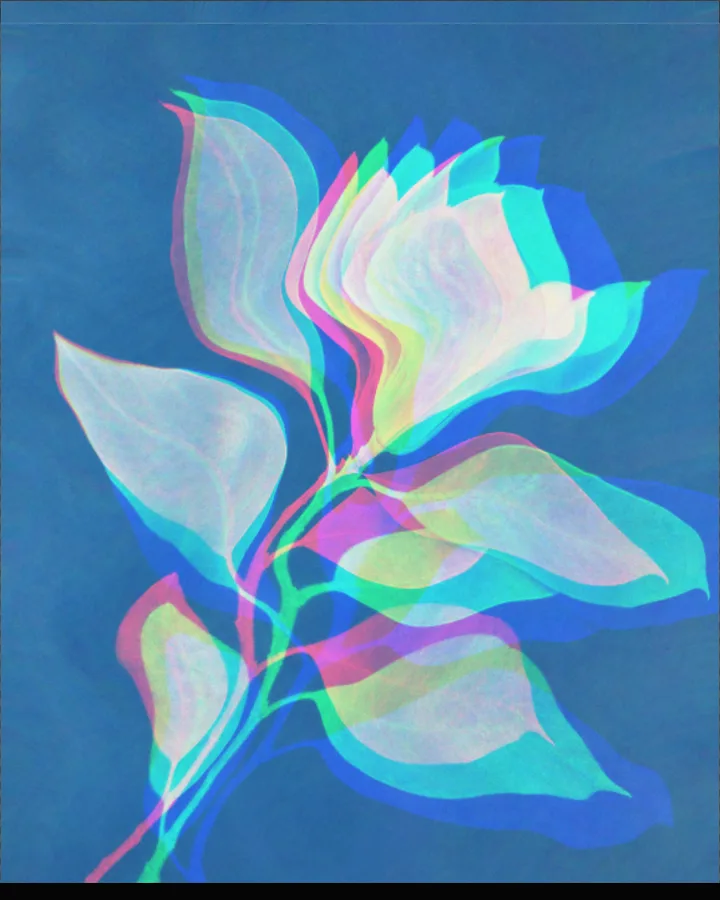
Light Cast is a free browser tool that relights a photo with soft window light, water reflections and other projected light patterns.
Use your own image or open the bundled sample.
Build the result with Light Type, Distortion, and Palette, then refine the remaining controls in real time.
Render PNG / JPEG / Video output and download it directly to your device.
In the iPhone app, Live Photo export is available.
Get the iPhone appThe photo is lit by a pattern of projected light that you choose. Light Type sets the kind of light (Window Light, Water Light, Liquid, Signal, Prism, Caustics or Vortex). Light Strength (0–100), Light Softness (0–100) and Exposure (0–100%) set how bright and how soft it is, and Light Position X, Light Position Y, Light Direction (-90 to 90) and Light Scale place and size it.
Distortion, Refraction and Dispersion (0–64px) bend the picture through the light, and Palette sets its colour (Carbon White, Sodium lamp, Cobalt Blue, Iris, Acid Green or Custom). The light can move: Flow speed (0–100%) sets the flow, and the motion exports as video in the browser and as a Live Photo in the iPhone app.
Photos with some smooth surfaces and a clear subject let the light show: portraits, interiors and still lifes are typical.
Window Light, Late Window, Soft Window, Water Light and Fine Caustics.
Caustics are the bright, shifting patterns of light that form when light passes through or reflects off a curved, transparent or watery surface, like the net of light on the bottom of a pool. Caustics and Water Light are two of the light types in this tool.
Light Position X and Light Position Y (0–100) place it, Light Direction (-90 to 90) turns it and Light Scale (0–100) sets its size.
Yes. Flow speed (0–100%) sets how fast it flows. In the browser the motion exports as video; Live Photo export needs the iPhone app.
PNG or JPEG at 1600, 2200 or 3200 pixels on the long edge, or video. The photo is processed in the browser and is not uploaded.
Export motion as video instead of Live Photo.
Continue with SHADR on iPhone after you create in the browser.
Get the iPhone app