
Start
Use your own image, start blank, or open the bundled sample.

Compose words, photos, cutouts and symbols into expressive typographic layouts, entirely offline.
Runs locally No upload
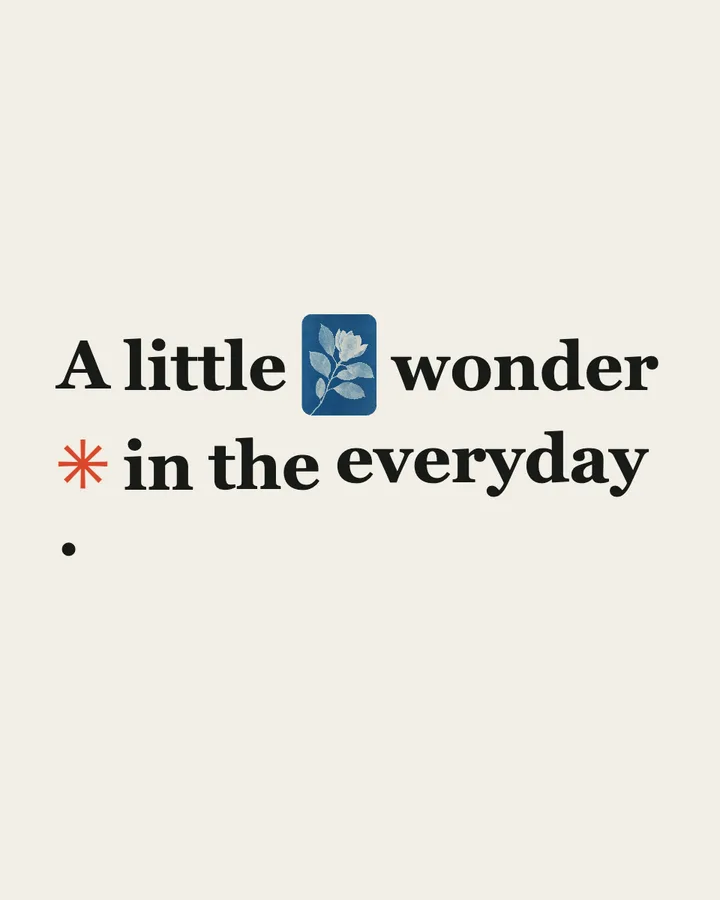
Rebus arranges text, up to three imported photographs, and symbols into an offline composition. Choose Inline, Story or Grid layouts, edit and reorder content blocks, then shape the result with typography, color and image framing. Presets and random preserve your words and pictures. Native iOS also offers independent foreground cutouts from the first photo; the Web editor uses whole pictures.
Use your own image, start blank, or open the bundled sample.
Build the result with Background Mode, Image Aspect, and Image Shape, then refine the remaining controls in real time.
Render PNG / JPEG / Video output and download it directly to your device.
Use it for typographic photo poems, editorial word-and-image layouts, and personal postcards and visual notes. The controls stay live, so the same source can branch into multiple visual directions.
The main controls include Background Mode, Image Aspect, Image Shape, and Layout Mode. Additional composition and finish controls are available inside Studio.
Rebus exports PNG / JPEG / Video. Available dimensions and motion options follow the tool's Web capabilities.
Use the whole image instead of automatic subject extraction. Export motion as video instead of Live Photo.
Continue with SHADR on iPhone after you create in the browser.
Get the iPhone app