
Start
Use your own image or open the bundled sample.

Separate photographs into CMYK ink dots with paper color, black-ink control and subtle print registration.
Runs locally No upload
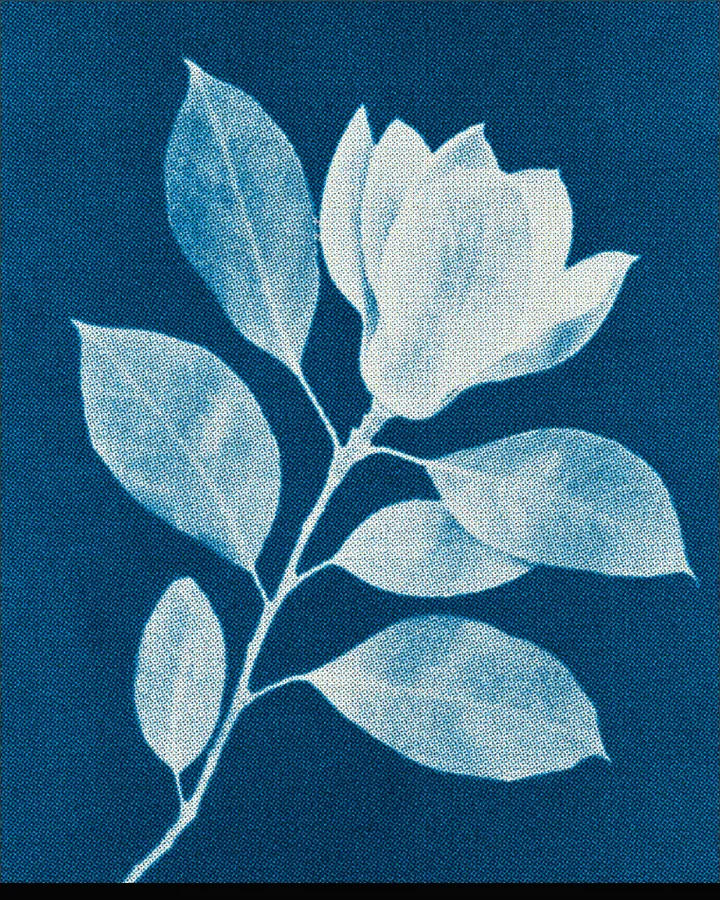
The halftone effect is a free browser tool that rebuilds any image from four layers of printed dots: cyan, magenta, yellow and black, the way a press builds a picture out of ink.
Use your own image or open the bundled sample.
Build the result with Paper Color, Ink Amount, and Palette, then refine the remaining controls in real time.
Render PNG / JPEG output and download it directly to your device.
A press cannot print shades of a colour. It prints dots of one ink and lets your eye blend them, and halftoning is the technique that decides how big those dots are. This tool splits your photo into the four process inks and redraws each as its own dot layer. Every layer has its own base ink (0–1) and gain (-1 to 1), so you can push the cyan, thin out the yellow or lift the black without touching the others. Sampling switches between Round Dots, Ink and Detail, and Dot Size (0–1, default 0.2) sets how big the dots are.
The print can be clean or flawed on purpose. Registration Offset (0–20) slides the layers apart like a press out of register; Ink Wear, Ink Bleed and Paper Texture (each 0–100) add missing ink, spreading ink and the grain of the stock; Paper Color sets what it is printed on.
Photos with a clear subject and a range of tones, from light to dark, hold up best, because the dots have to carry the shading. Contrast (0–2.2) sets how far light and dark are pushed apart.
Clean CMYK, Black Newsprint, Comic Dots and Vintage Registration.
It means a picture made only of dots in the four inks used in colour printing: cyan, magenta, yellow and black (K). From a distance the dots blend into the colours of the photo; up close you see the dot pattern.
Raise Registration Offset (0–20) so the colour layers drift apart, or start from the Vintage Registration preset. Ink Wear and Ink Bleed (0–100) add missing and spreading ink on top.
Yes. Start from the Black Newsprint preset, which prints with black ink alone, or choose the Newspaper palette and raise Black Ink (up to 0–150%).
The image is processed in your browser and is not uploaded. You can export PNG or JPEG at 1600, 2200 or 3200 pixels on the long edge; JPEG quality runs from 70–100%.
Continue with SHADR on iPhone after you create in the browser.
Get the iPhone app