
Start
Use your own image or open the bundled sample.

Refract an image through ribbed glass with adjustable optics, grain, highlights, and shadows.
Runs locally No upload
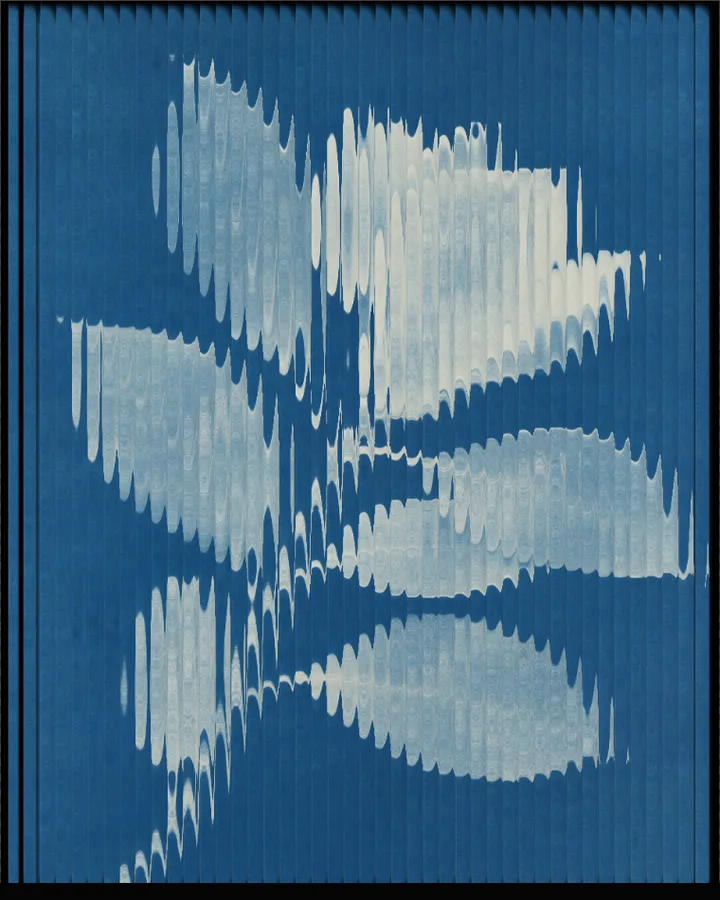
Fluted Glass is a free browser tool that bends a photo as if you were looking at it through ribbed glass.
Use your own image or open the bundled sample.
Build the result with Texture, Refraction, and Density, then refine the remaining controls in real time.
Render PNG / JPEG output and download it directly to your device.
Fluted glass is a pane with parallel grooves; each rib acts as a small lens, so the picture behind it is stretched and shifted in strips. This tool lets you shape both the glass and the way it bends light. Texture sets the ribs (Straight, Irregular, Ripple, Zigzag or Pattern) and Refraction sets how each rib bends (Prism, Lens, Contour, Cascade or Flat). Density, Angle (0–180°), Intensity, Offset and Stretch change the geometry; Blur, Edges, Highlights and Shadows (each 0–1) change the optics.
Grain Mix and Grain Overlay (0–1) add grain; the Highlights, Shadows and Background colours set the palette, and Margin (0–0.42) leaves a border around the glass.
Photos with strong colour fields or bold shapes show the effect best, because each rib moves large areas rather than small detail. At the extreme, as in the Deep Lens preset (Intensity, Blur and Stretch all at 1), the photo turns into streaks.
Default, Folds, Waves and Deep Lens.
Fluted glass, also called reeded or ribbed glass, is glass with parallel vertical grooves. Looking through it breaks what is behind into strips and bends colour and light along each rib.
Use Angle (0–180°, default 0°). Changing it turns the glass, so the ribs run at any angle rather than only vertically.
Intensity (0–1, default 0.5) sets how far each rib bends the picture and Density (0–1, default 0.68) changes the density of the ribs. Lower Intensity for a quiet effect. For a strong one, start from Deep Lens, which sets Intensity, Blur and Stretch to 1 and tilts the glass to 30°.
PNG or JPEG at 1600, 2200 or 3200 pixels on the long edge. The photo is processed in the browser and is not uploaded.
Continue with SHADR on iPhone after you create in the browser.
Get the iPhone app