
Start
Use your own image, start blank, or open the bundled sample.

Reconstruct photographs as low-poly triangular compositions for posters, covers, and abstract graphics.
Runs locally No upload
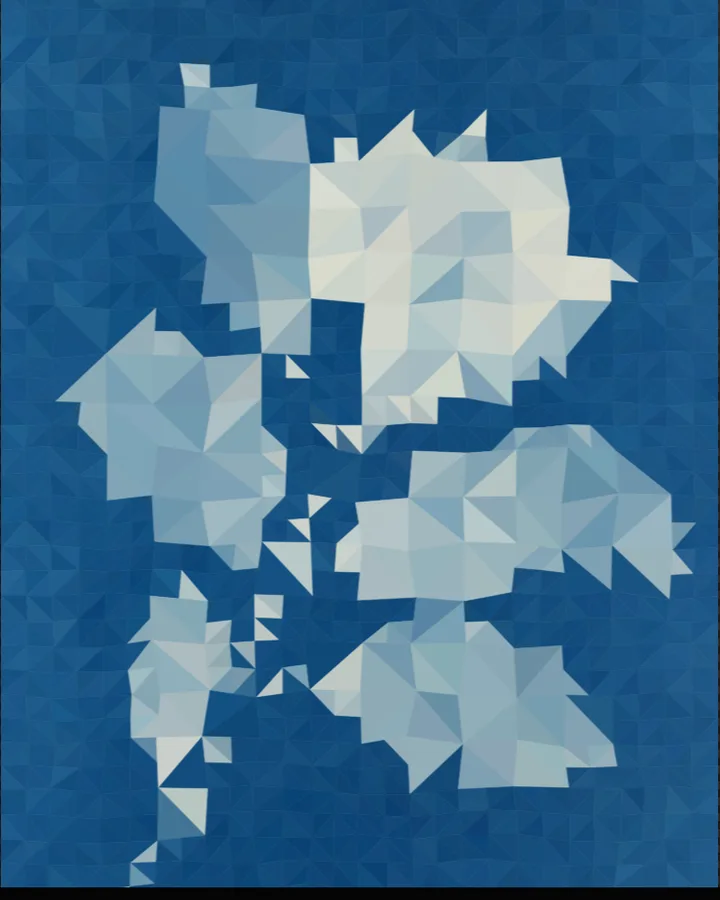
Low Poly is a free browser tool that rebuilds a photo as a mosaic of flat-coloured triangles, the faceted look known as low poly.
Use your own image, start blank, or open the bundled sample.
Build the result with Triangle Density, Base Image, and Shadow Bias, then refine the remaining controls in real time.
Render PNG / JPEG output and download it directly to your device.
The tool scatters points across the picture, joins them into triangles and fills each triangle with a single colour taken from the photo. Triangle Density (300–4200, default 1200) sets how many triangles there are: fewer gives a bolder, more abstract result and more keeps more of the photo. Edge enhancement (0–1.8) and Edge sampling (0–48) place more points along edges, and Minimum spacing (2–18px) keeps the triangles from getting too small.
Density channel chooses what the density follows (Luminance, Increase brightness, Red, Green or Blue). Turn on Show wireframe to draw the triangle edges, with Wireframe color and Wireframe thickness (0.5–5px). Luminance, Contrast, Saturation and Gamma adjust the photo before it is triangulated.
Photos with clear shapes and areas of colour keep their subject when reduced to triangles. Portraits and landscapes with a simple background work well; very busy photos turn abstract quickly.
Sharp Facets, Soft Facets, Line drawing and Abstract.
Low poly art draws a picture from a small number of flat-coloured polygons, usually triangles. It started as a way to keep 3D models light, and is now a graphic style on its own.
Lower Triangle Density (300–4200, default 1200). A lower Analysis Detail also reduces how much detail the tool looks at.
Yes. Turn on Show wireframe and choose a Wireframe color and a Wireframe thickness (0.5–5px).
PNG or JPEG at 1200, 1800, 2400 or 3200 pixels on the long edge. The photo is processed in the browser and is not uploaded.
Continue with SHADR on iPhone after you create in the browser.
Get the iPhone app