
Start
Use your own image or open the bundled sample.

Carve photographs into relief prints with bold ink masses, directional gouge marks, and textured paper.
Runs locally No upload
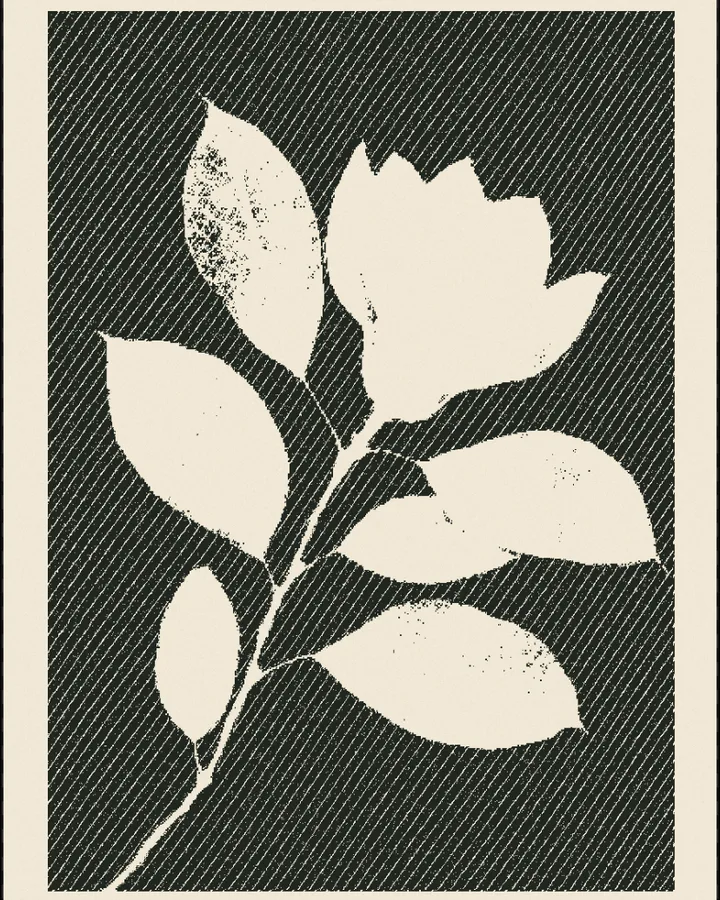
Linocut translates a photograph into ink masses and directional gouges. Adjust coverage, carving, spacing, and paper grain, or layer a second ink with a registration offset. Four presets range from fine engraving to broad poster cuts, with all image processing performed locally.
Use your own image or open the bundled sample.
Build the result with Margin, Threshold, and Contrast, then refine the remaining controls in real time.
Render PNG / JPEG output and download it directly to your device.
Use it for relief-print cover artwork, botanical and landscape prints, and two-ink editorial posters. The controls stay live, so the same source can branch into multiple visual directions.
The main controls include Margin, Threshold, Contrast, and Detail. Additional composition and finish controls are available inside Studio.
Linocut exports PNG / JPEG. Available dimensions and motion options follow the tool's Web capabilities.
Continue with SHADR on iPhone after you create in the browser.
Get the iPhone app