
Start
Use your own image, start blank, or open the bundled sample.

Float pigment drops into stone, combed, feathered, and swirling paper patterns. Tap to drop color and drag to rake the surface.
Runs locally No upload
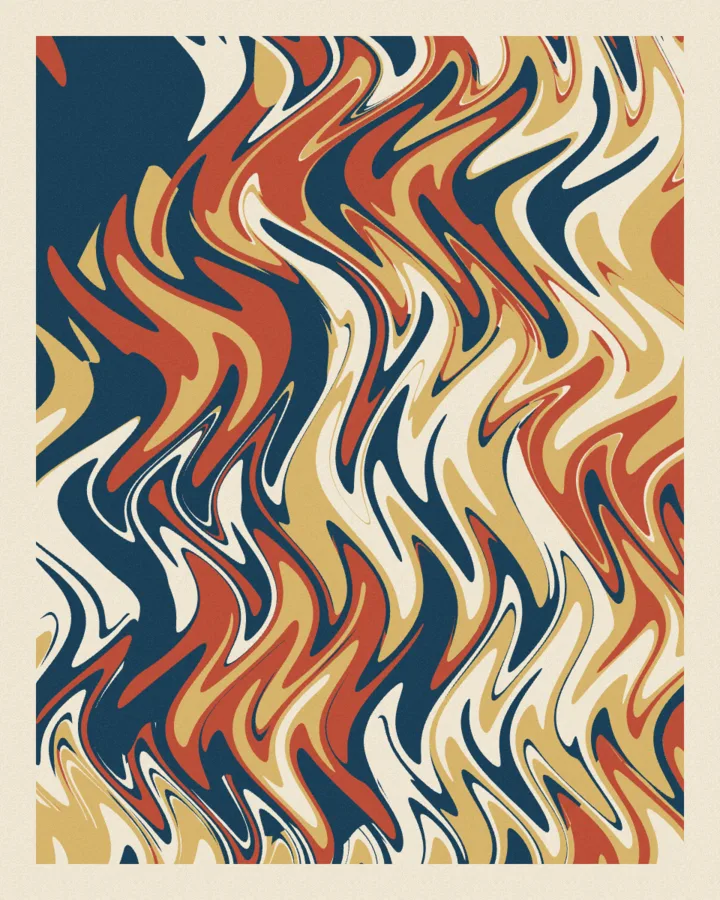
Start from blank, or extract a palette from a photograph. Pigment drops push earlier colors outward; combed, feathered, and swirling patterns turn the bath into a paper study. Tap to drop color and drag to rake or swirl the surface.
Use your own image, start blank, or open the bundled sample.
Build the result with Margin, Pattern, and Drops, then refine the remaining controls in real time.
Render PNG / JPEG output and download it directly to your device.
Use it for marbled wallpapers and book covers, personal color studies, and organic backgrounds for editorial design. The controls stay live, so the same source can branch into multiple visual directions.
The main controls include Margin, Pattern, Drops, and Drop Size. Additional composition and finish controls are available inside Studio.
Paper Marbling exports PNG / JPEG. Available dimensions and motion options follow the tool's Web capabilities.
Continue with SHADR on iPhone after you create in the browser.
Get the iPhone app