
Start
Use your own image or open the bundled sample.

Rebuild photographs into adaptive color blocks while retaining the image structure.
Runs locally No upload
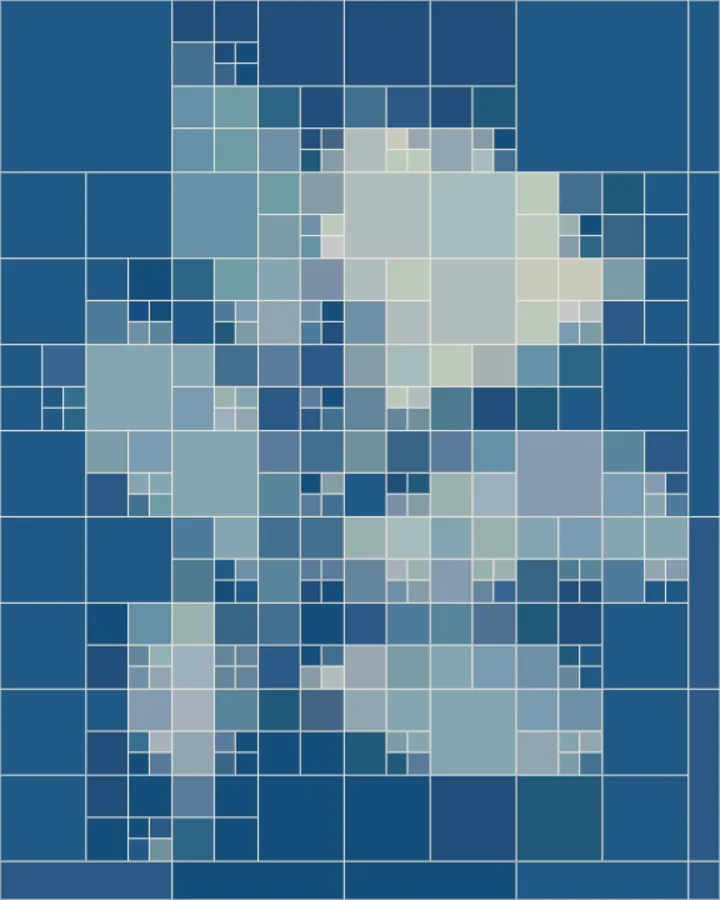
Color Reconstruction divides a photograph into adaptive rectangular blocks. Detailed regions become smaller cells, while quieter areas become broad color fields. Control block size, spacing, and color levels, then blend back the original image when you want more detail.
Use your own image or open the bundled sample.
Build the result with Effect Region, Geometry Size, and Detail, then refine the remaining controls in real time.
Render PNG / JPEG output and download it directly to your device.
Use it for abstract color studies from photographs, geometric album and book artwork, and mosaic backgrounds with a recognizable image structure. The controls stay live, so the same source can branch into multiple visual directions.
The main controls include Effect Region, Geometry Size, Detail, and Block Gap. Additional composition and finish controls are available inside Studio.
Color Reconstruction exports PNG / JPEG. Available dimensions and motion options follow the tool's Web capabilities.
Use the whole image instead of automatic subject extraction.
Continue with SHADR on iPhone after you create in the browser.
Get the iPhone app