
Start
Use your own image or open the bundled sample.

Frame images with machine-vision tracking boxes, CCTV overlays, and forensic annotations.
Runs locally No upload
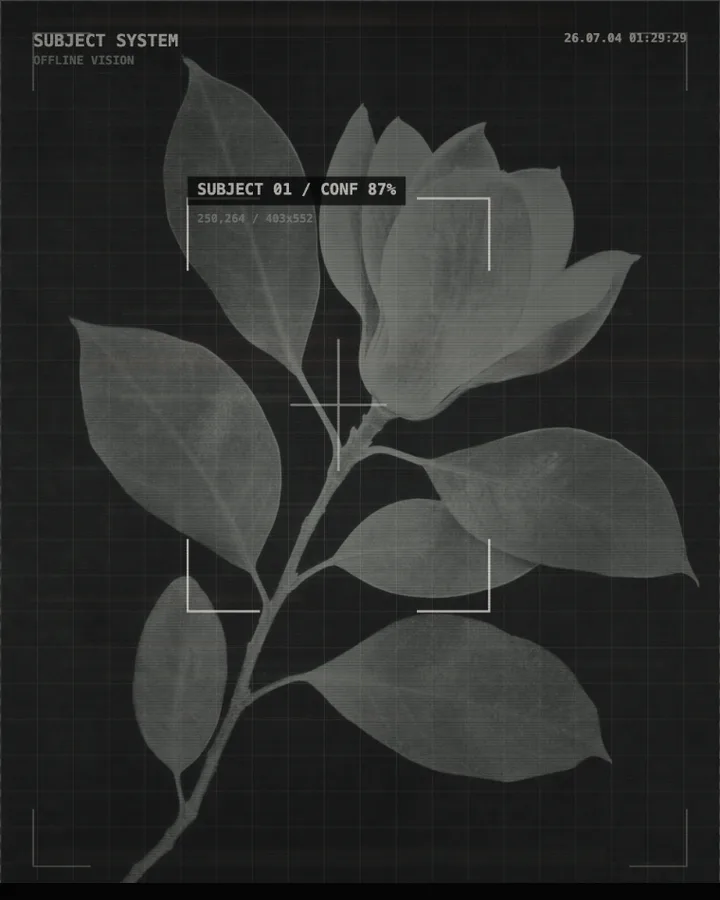
Surveillance Aesthetic is a free browser tool that frames an image as security-camera footage, with tracking boxes, labels, a timecode and a degraded picture.
Use your own image or open the bundled sample.
Build the result with System, Auxiliary box, and Object Treatment, then refine the remaining controls in real time.
Render PNG / JPEG output and download it directly to your device.
In the iPhone app, automatic subject extraction is available.
Get the iPhone appThe tool restyles a photo as if it came from a monitoring system. System sets the look (CCTV, Original, Night Vision, Forensic, Thermal image or Black site), and Noise, Scan and Compression (0–100%) degrade the picture. Auxiliary box (Off, Sparse, Dense or Alert) adds boxes around parts of the image, Frame Style chooses their style (Corner Marks, Full Frame, Crosshair or Archive) and Number of auxiliary frames (1–8) how many there are. Annotation, Confidence (35–99%) and Grid dress the overlay.
Text is yours to set: Title, Label and the Timecode shown when Timestamp is on. Object Treatment chooses what happens to a subject (Annotation enhancement, Preserve Original, Mosaic or None). The boxes and labels are graphic overlays: the tool does not recognise or identify anyone.
Photos of people, streets, rooms or vehicles from a distance read as footage most easily.
Cold White Monitoring, Night Vision Tracking, Forensic Files, Thermal image alarm and Black site coding.
It restyles an image as security-camera or machine-vision footage: grainy and compressed, with tracking boxes, labels and a timecode. It does not detect or identify anyone; the overlays are graphic.
Choose Auxiliary box (Off, Sparse, Dense or Alert), then a Frame Style (Corner Marks, Full Frame, Crosshair or Archive) and set Number of auxiliary frames (1–8). Annotation controls how many annotations are drawn.
Yes. Edit Title, Label and Timecode; Timestamp turns the timestamp on and off.
PNG or JPEG at 1400, 2200 or 3200 pixels on the long edge. The photo is processed in the browser and is not uploaded.
Define object regions manually instead of using automatic subject extraction.
Continue with SHADR on iPhone after you create in the browser.
Get the iPhone app