
Start
Use your own image or open the bundled sample.

Stretch sampled pixels along editable flow curves while optionally protecting the extracted subject.
Runs locally No upload
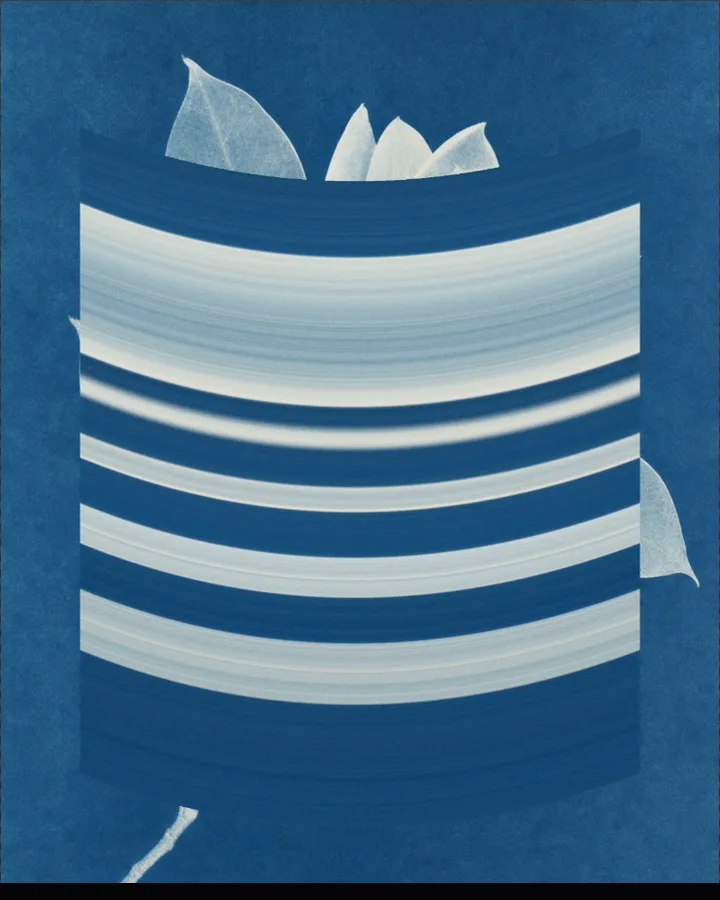
Pixel Stretch is a free browser tool that stretches lines of pixels along curves you edit, smearing parts of a photo into long streaks.
Use your own image or open the bundled sample.
Build the result with Stretch direction, Preserve Mode, and Subject Size, then refine the remaining controls in real time.
Render PNG / JPEG output and download it directly to your device.
In the iPhone app, automatic subject extraction is available.
Get the iPhone appPixel stretching takes a thin strip of pixels from the picture and repeats it along a path, so a small part of the image becomes a long streak. Here each stretch is a layer that you add and edit in the Studio. Stretch direction sets the way the pixels are stretched (Horizontal, Vertical or Bidirectional) and Sampling thickness (1–64px, default 10px) sets how thick the sampled strip is.
Preserve Mode (Auto or Do Not Preserve) decides whether a subject is kept clear of the stretch; it relies on automatic subject detection, which is an iPhone app feature, so in the browser the stretch applies to the whole image. The rest of the controls style the result: Contrast, Saturation, Grain and Scan Lines, and the subject's Stroke and Projection.
Photos with a clear shape against a plain or soft background give the streaks a clean edge to start from.
Pixel stretching, or a smear effect, repeats a line of pixels across an area, so part of the photo turns into long streaks of colour. It is common in glitch and digital art.
Choose Stretch direction: Horizontal, Vertical or Bidirectional. Sampling thickness (1–64px) sets the thickness of the strip that is stretched.
Preserve Mode can keep the subject clear of the stretch, but it needs automatic subject detection, which is available in the iPhone app. In the browser the stretch applies to the whole image.
PNG or JPEG at 1400, 2200 or 3200 pixels on the long edge. The photo is processed in the browser and is not uploaded.
Use the whole image instead of automatic subject extraction.
Continue with SHADR on iPhone after you create in the browser.
Get the iPhone app