
Start
Use your own image or open the bundled sample.

Slice extracted subjects into offset bands, echoes, and graphic poster compositions.
Runs locally No upload
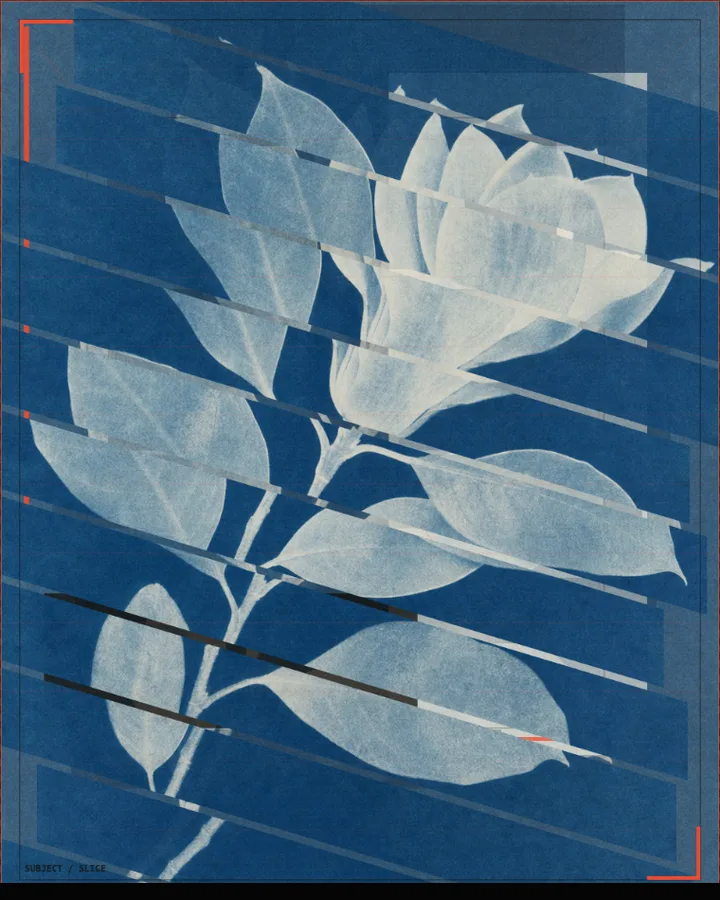
Slice Effect is a free browser tool that cuts a photo into offset bands, with echoes trailing behind them, for a graphic poster look.
Use your own image or open the bundled sample.
Build the result with Effect Area, Treatment, and Slice Direction, then refine the remaining controls in real time.
Render PNG / JPEG output and download it directly to your device.
In the iPhone app, automatic subject extraction is available.
Get the iPhone appThe picture is cut into strips that slide out of line with each other. Slice Direction sets the cut (Horizontal, Vertical, Bevel cut or Grid), Number of slices (4–48, default 13) sets how many strips there are and Slice Spacing (-24 to 48px) the space between them. Offset Strength (0–100%) sets how far the strips are shifted out of line.
Trail Layers (0–8) adds copies that trail behind the strips and Trail Strength (0–100%) sets how strong they are. Color difference (0–40px) splits the colours slightly, and Background (Dark Field, Light Field, Paper Texture or Custom), Grain and Scan Lines set the surface. In the browser the effect applies to the whole image, since automatic subject detection is an iPhone app feature.
Photos with a strong shape, such as a figure or an object against a calm background, keep their identity when they are cut into bands.
A slice effect cuts a picture into strips and shifts them out of line, so the image looks torn or sliding. It is common in posters and album art.
Lower Number of slices (4–48, default 13). Slice Spacing (-24 to 48px) changes the space between them.
Raise Trail Layers (0–8) for more copies and Trail Strength (0–100%) for stronger ones.
PNG or JPEG at 1400, 2200 or 3200 pixels on the long edge. The photo is processed in the browser and is not uploaded.
Use the whole image instead of automatic subject extraction.
Continue with SHADR on iPhone after you create in the browser.
Get the iPhone app