
Start
Use your own image or open the bundled sample.

Let subjects extend beyond a photo frame while keeping the original photograph perfectly aligned.
Runs locally No upload
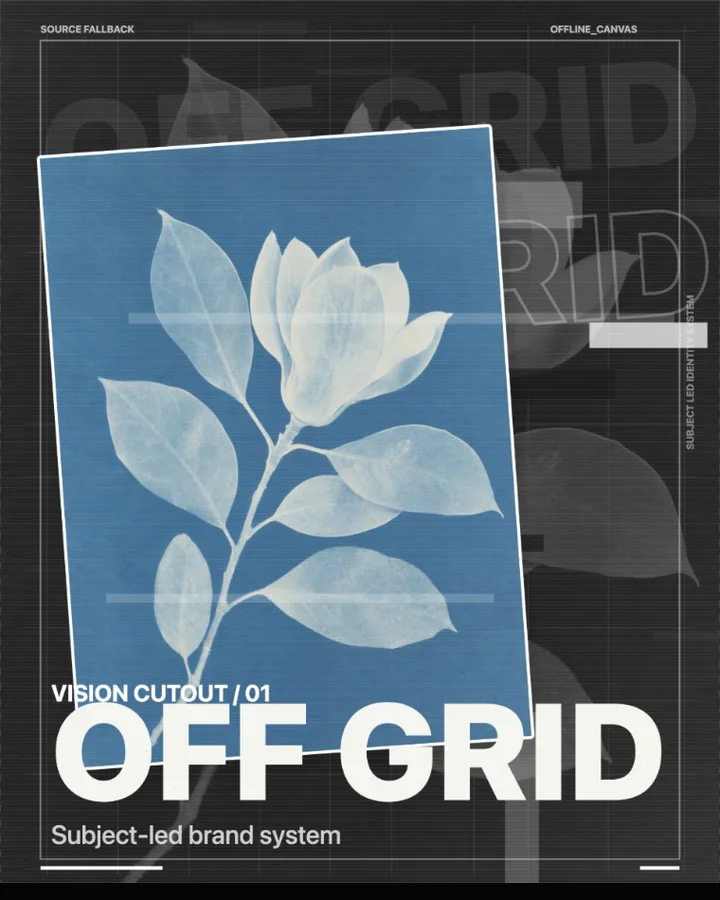
Out of Bounds is a free browser tool that lets the subject of a photo break out of its frame, while the photograph inside the frame stays perfectly aligned.
Use your own image or open the bundled sample.
Build the result with Effect Area, Composition, and Main title, then refine the remaining controls in real time.
Render PNG / JPEG output and download it directly to your device.
In the iPhone app, automatic subject extraction is available.
Get the iPhone appOut of bounds is a graphic device in which a subject appears to step out of the picture's border. The tool sets the photo inside a frame and draws the subject over the border. Shape chooses the frame (Rectangle, Circle or Cross Bands), Frame Width (35–90%) and Frame Height (25–80%) size it, and Breakout Edges decides which edges the subject may cross (Top and Sides or All Sides). Frame Border and Frame Shadow dress the frame.
The subject has its own controls: Subject Size (72–190%), Horizontal and Vertical (-48 to 48%) and Rotate (-24 to 24°), Treatment sets the colour treatment (Original Color, Black & White, Duotone, Silhouette or Invert), and Stroke and Projection dress the subject's edge. Photo Scale (70–135%) moves the photo inside the frame without moving the frame.
Photos with a clear subject against a separate background work best, because the subject has to be told apart from what is behind it. Portraits and objects photographed whole are typical. In the browser there is no subject to break out of the frame, because automatic subject detection is an iPhone app feature: the photo is shown inside its frame without the breakout. The effect you see in the examples is made in the iPhone app.
Breakout, Round Window, Cross Bands and Quiet Frame.
It is a design technique in which part of a picture, usually the subject, extends past the frame that holds the rest of the image, which gives the picture depth and tension. This tool builds it from a single photograph.
Shape offers Rectangle, Circle or Cross Bands. Frame Width (35–90%) and Frame Height (25–80%) set its size, and Frame Horizontal and Frame Vertical (-25 to 25%) move it.
Subject Size (72–190%) resizes it, Horizontal and Vertical (-48 to 48%) move it and Rotate (-24 to 24°) turns it.
PNG or JPEG at 1400, 2200 or 3200 pixels on the long edge. The photo is processed in the browser and is not uploaded.
Use the whole image instead of automatic subject extraction.
Continue with SHADR on iPhone after you create in the browser.
Get the iPhone app